Full-stack • Case Study
Vervue
A web app for practising job interviews. Answer role-based questions and get a score and written feedback on every answer.
Overview
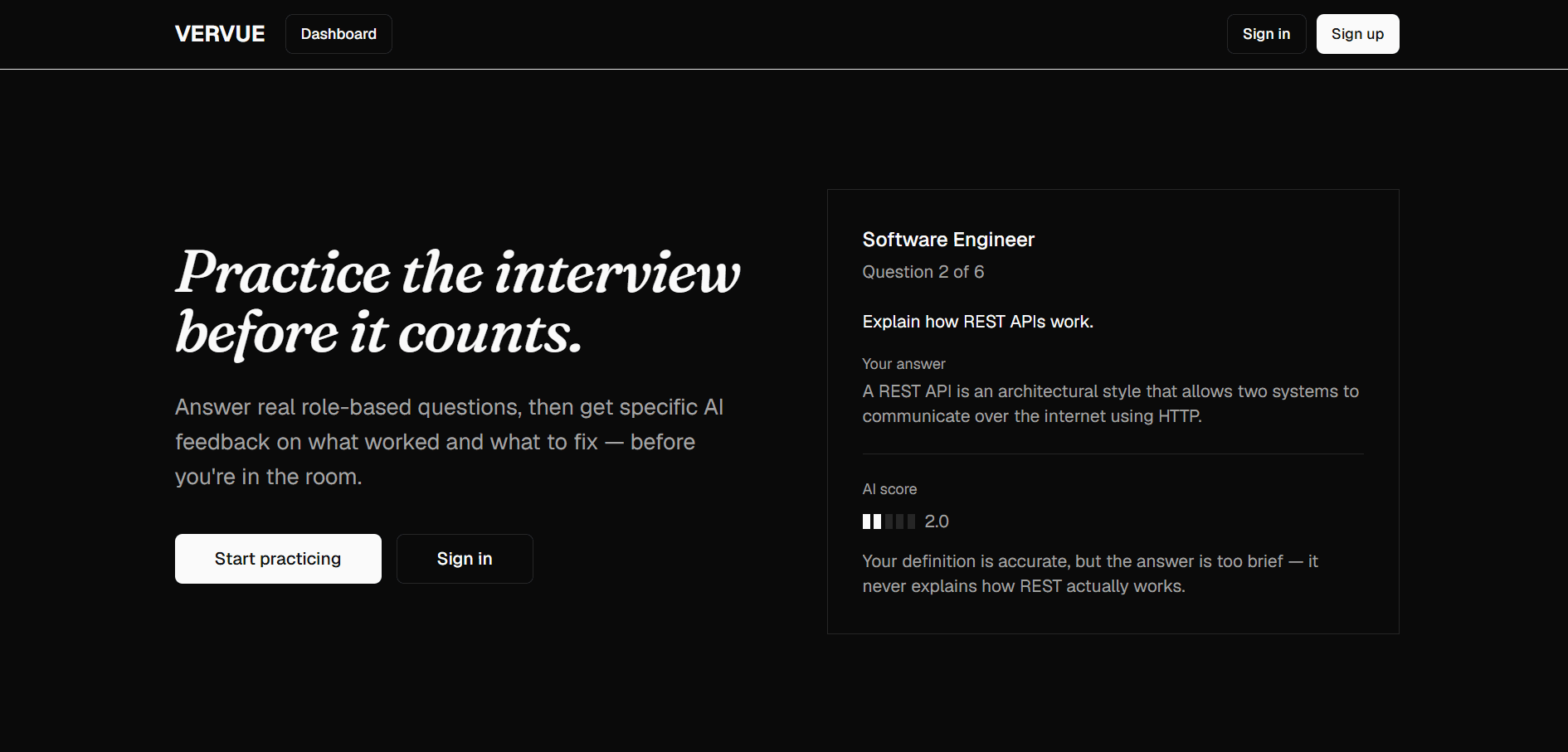
Vervue is a web app for practising job interviews. You pick a role, answer six questions, and get a score out of 5 with strengths, weaknesses and tips for every answer. It's live at vervue.app.
What I Learned
Most of what I learned came from things going wrong. The login worked on my machine but failed on the live site, because Next.js had cached a redirect from before the user logged in, and that only happens on the live site. A long email address in the nav pushed every page wider than a phone screen. A new Next.js caching feature broke my build, and an AI assistant told me the setting I was using did nothing, which the build error proved wrong. Since then I check AI answers about code against the docs and the build output before I trust them. I also learned that hiding a button isn't security, so the rules about who can read or change data have to live in the database. I let AI draft repetitive things like layouts and forms, then read through them and fix what's wrong, and reusable components made each new page quick to build.
Problem
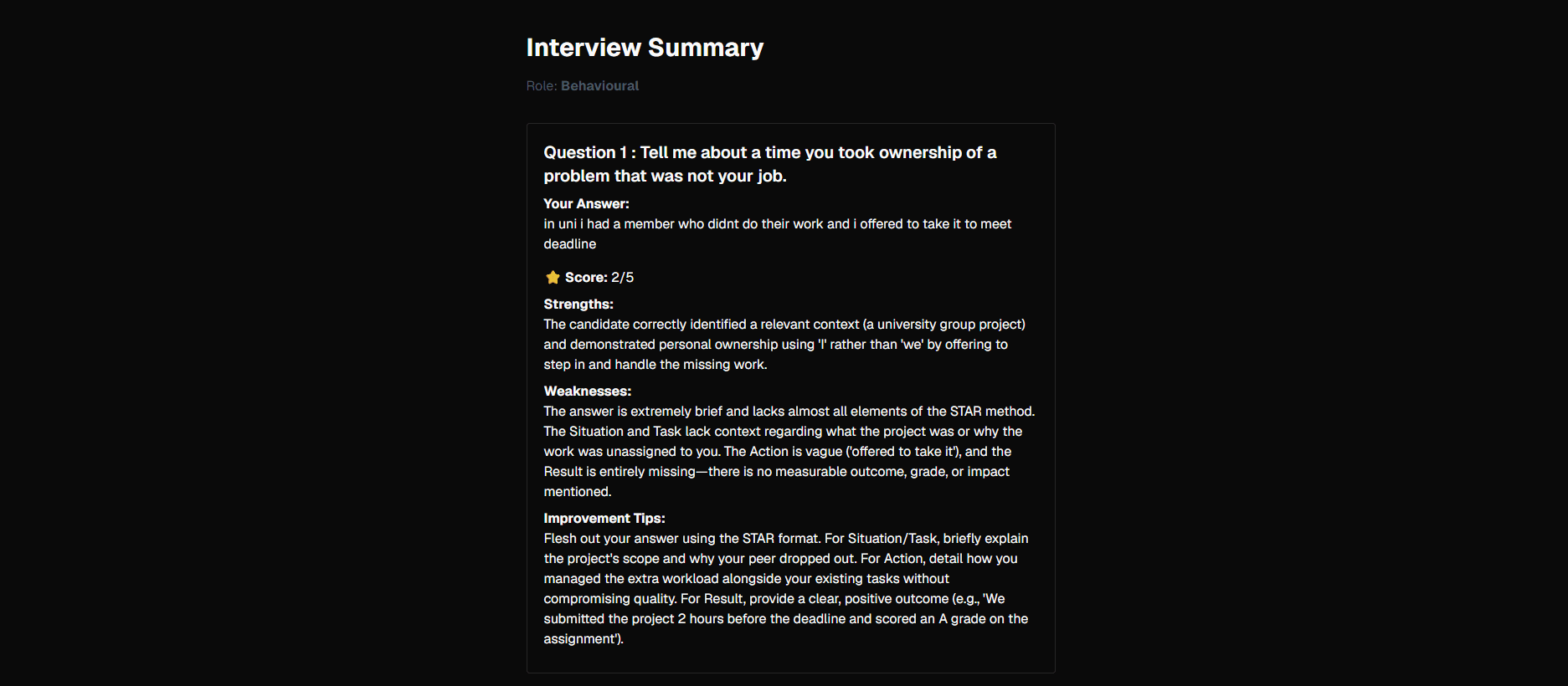
Most people find out how good their interview answers are in the real interview. A friend can't always practise with you, and generic advice doesn't respond to what you actually said. Vervue marks your own answer straight after you finish. The screenshot shows a short answer to a behavioural question and what it got back.
Roles and Questions
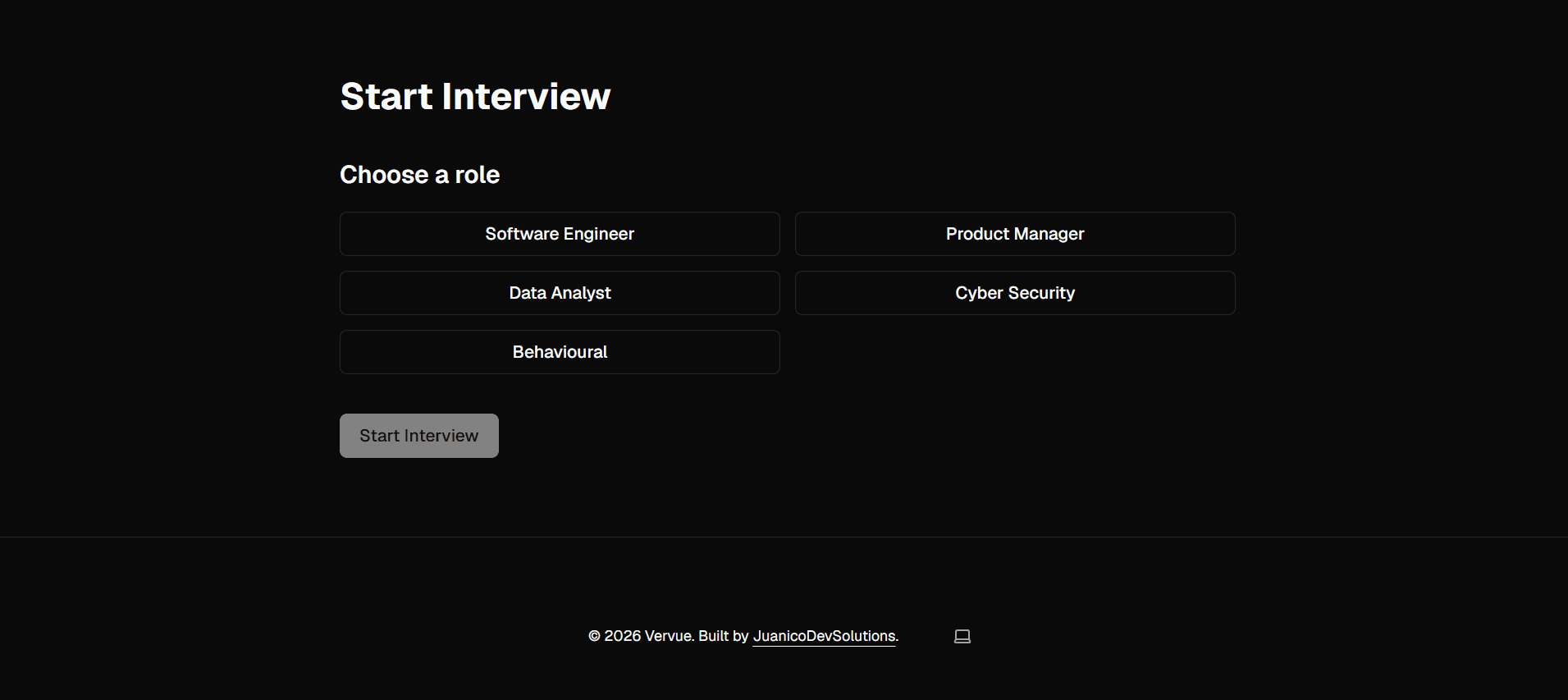
You can choose software engineer, product manager, data analyst, cyber security or behavioural. Each session gets a random set of six questions, saved on the session so a refresh or the back button can't change them. Behavioural answers are marked against the STAR structure (situation, task, action, result). The other roles are marked on clarity, relevance and depth.
Timed Answers
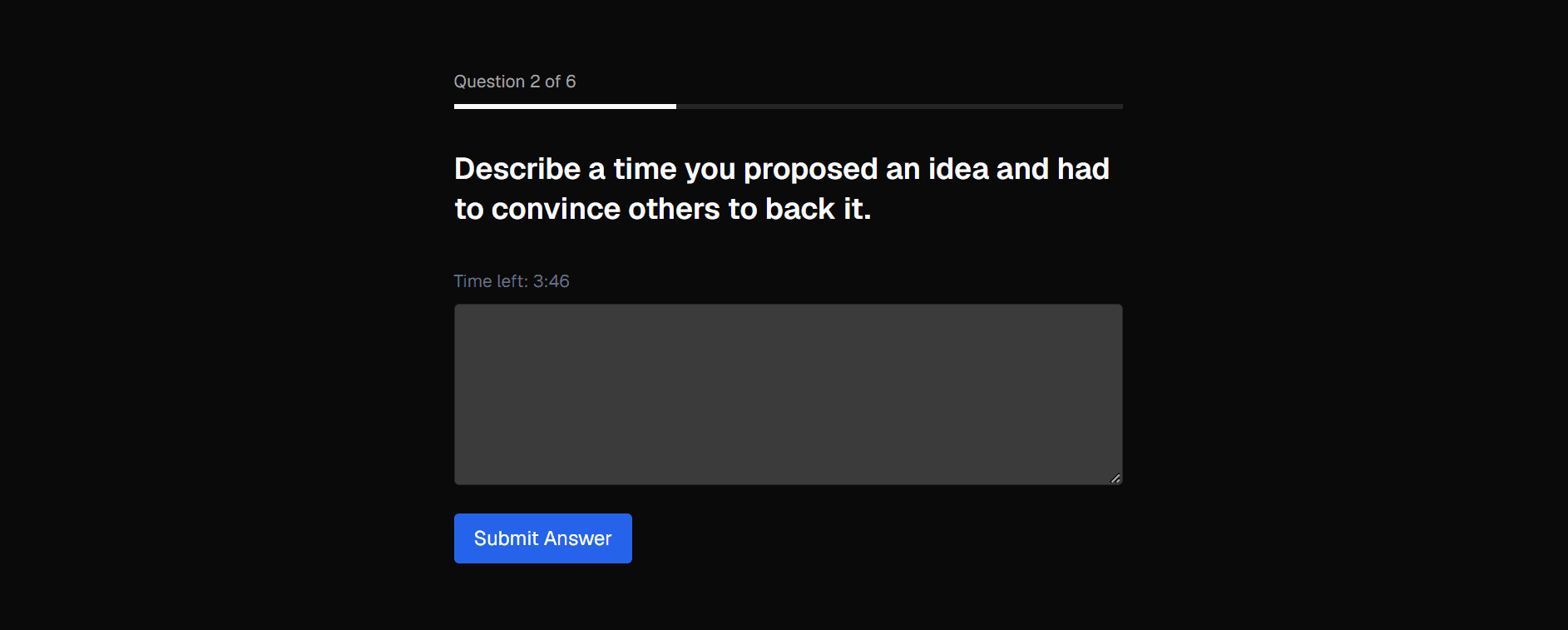
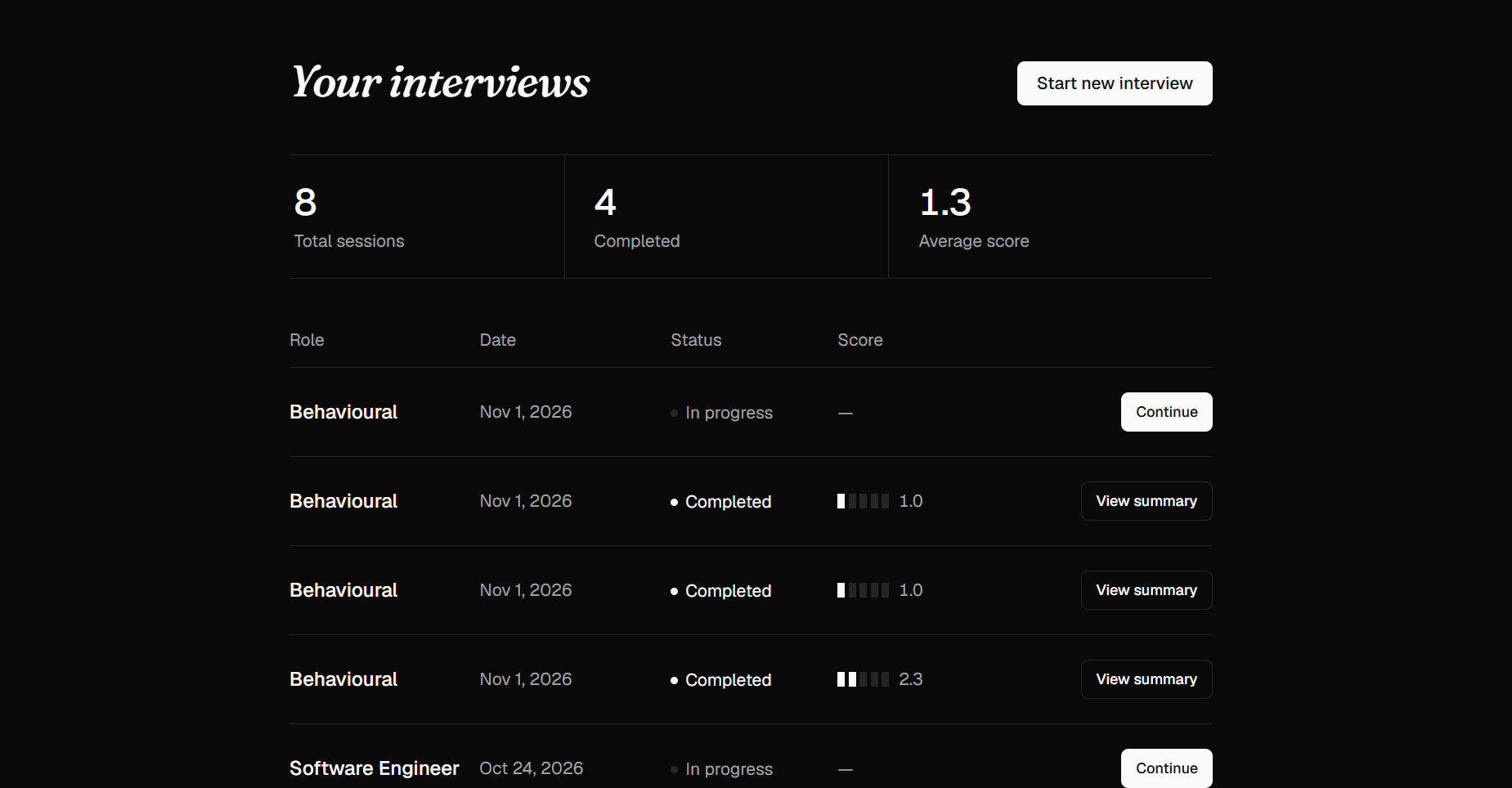
Each question has a countdown: two minutes for easy, three for medium, four for hard. When time runs out, whatever is typed is submitted automatically. The server checks the time as well, so editing the page in the browser can't buy extra time. If time runs out with nothing typed, the answer is saved as blank and scored 1 without calling the AI. When you finish, Gemini marks every answer, and the dashboard keeps your past sessions and average scores.
Security
Every table uses row-level security, so users can only read their own sessions, answers and feedback. Finished sessions are locked in the database, not just hidden in the interface, so nobody can reopen one or add answers by calling the database directly. I pulled the policies from the live database, read through them, and found four gaps that I fixed: no update rule on answers, no lock on completed sessions, no check that answers were going into an unfinished session, and no check that feedback belonged to the user's own answer.
Next Steps
Add automated tests that run on every pull request, and a way to check that scores stay consistent when I change the grading prompt. Then move the AI grading into its own service on Google Cloud (Cloud Run), with the API key in Secret Manager. Also a progress view on the dashboard that shows score trends over time.